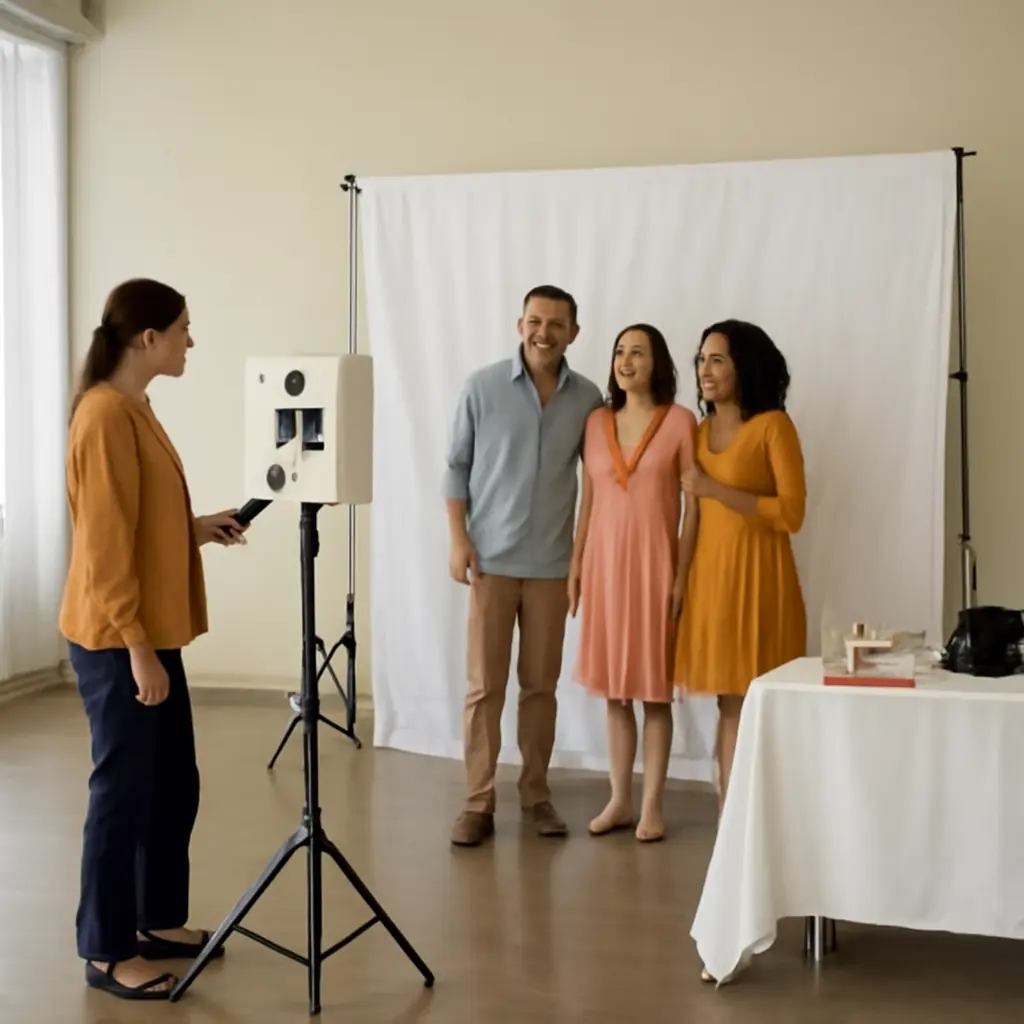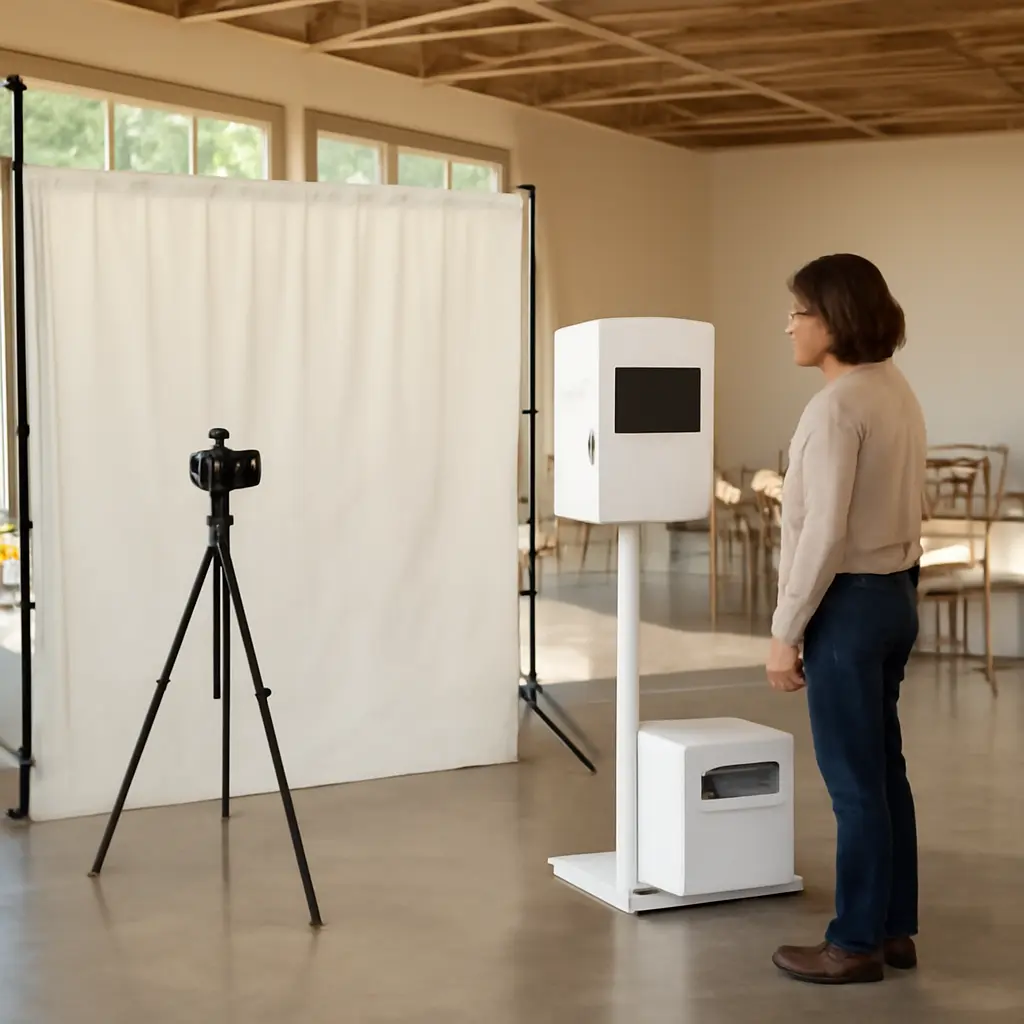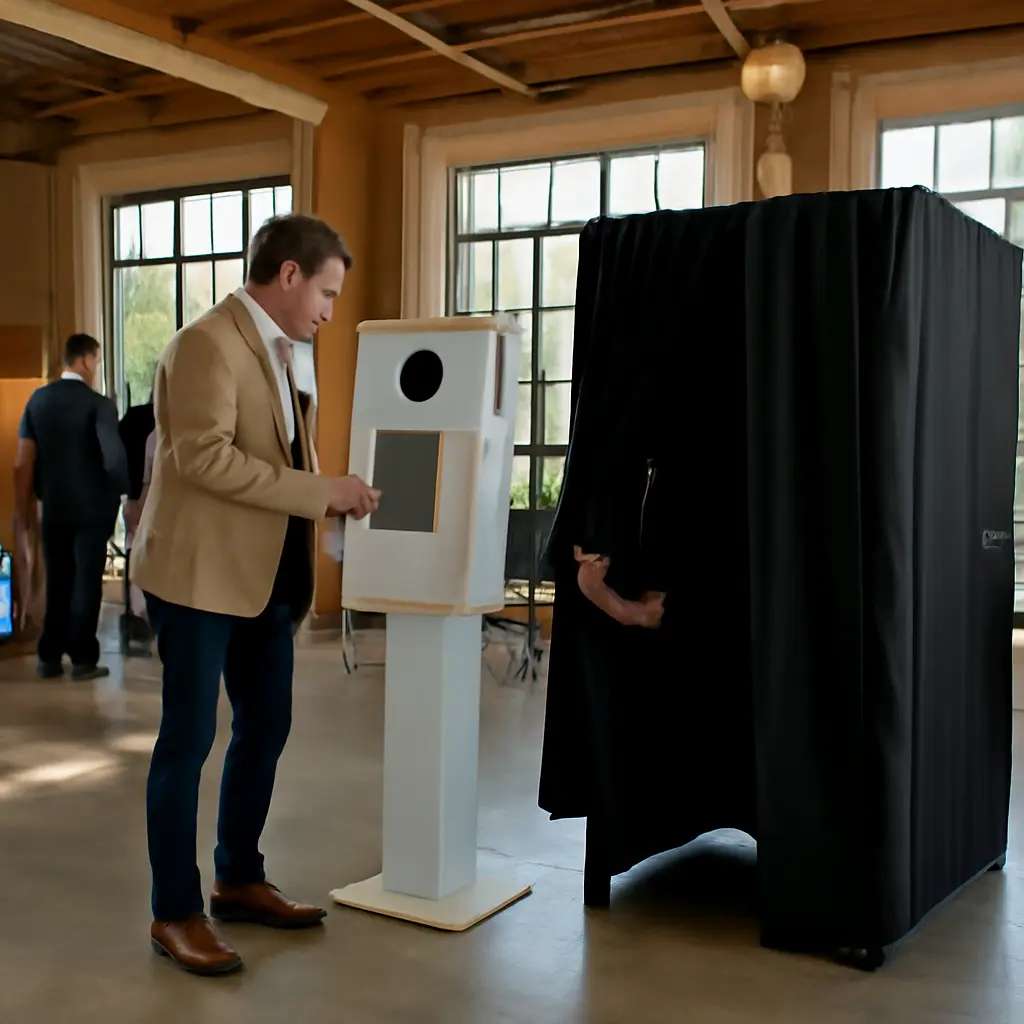
A self-service photo booth is a camera-and-software station that guests operate themselves, while a traditional photo booth rental typically includes an attendant who helps run the experience. The better choice depends on the event’s guest count, venue, desired level of interaction, and budget: self-service can reduce staffing needs and give hosts more control, while an attendant-led booth adds hands-on help and social energy. Photo-booth companies commonly offer both formats, but pricing and features vary by provider, so compare written quotes rather than assuming one type is always cheaper. The sections below explain how the formats differ, what affects cost and guest experience, and how to choose and plan a booth for an event.
How Photo Booth Rental Formats Differ
A photo booth rental is a temporary event service that combines a camera or tablet, capture software, lighting, and a method for sharing or printing images. The distinction between self-service and traditional rentals is primarily operational: who helps guests use the equipment, manage the queue, and resolve routine issues. “Traditional” is not a universal industry standard; vendors use terms such as attended, staffed, open-air, or enclosed, and may package different features under those labels.
Self-Service Booths: Guest-Operated Capture
A self-service booth lets guests start and complete a session through a touchscreen, button, or on-screen instructions, without a booth attendant routinely guiding each group. Typical versions include an iPad-based stand, a compact digital kiosk, or a camera-and-light setup connected to automated capture software. Guests may receive images by text, email, QR code, or a shared gallery; printing is possible when the package includes a printer and suitable supplies.
This format can suit smaller gatherings, informal celebrations, and events where a host or venue employee can monitor the equipment occasionally. Its practical advantage is reduced dependence on dedicated staffing—not a guarantee of lower total cost. Equipment delivery, setup, collection, printing, software, travel, and support can still affect the quote. Hosts should check whether the rental is genuinely unattended, whether setup is included, and what help is available if the booth stops working.
Traditional Rentals: Attendant-Led Operation
A traditional rental generally means a booth operated or supported on site by an attendant. The attendant can welcome guests, explain the controls, keep the line moving, replenish print media when included, and respond to basic problems. The booth itself may be enclosed or open-air, and may use a DSLR camera, a tablet, a printer, a backdrop, or a combination of these features. The word “traditional” therefore describes a service model more reliably than a single booth design.
Staffing is especially useful when the booth is a prominent part of a large reception, corporate activation, or event with guests who may need assistance. An attendant can also help maintain props and the presentation area. However, a staffed service does not automatically mean better image quality or unlimited prints: those depend on the equipment and contract, not just the presence of an employee.
How Guest Experience and Operations Compare
Once the operating model is clear, the next comparison is what guests actually experience. Both booth types can capture and share keepsakes; the differences are more often about guidance, queue management, accessibility, and how the booth fits the event’s pace.
Ease of Use, Accessibility, and Guest Support
Self-service booths rely on clear prompts and intuitive controls. They can work well when guests are comfortable using touchscreens and the booth has simple steps, visible instructions, and accessible placement. An attendant-led booth offers a person to demonstrate the process, help groups take turns, and assist guests who are unsure how to use the equipment. For either format, ask about screen height, wheelchair access, language options, lighting, and whether guests can participate without using their own phone.
There is no single reliable public statistic that establishes how much faster or more satisfying one rental format is across all events. Outcomes depend on booth design, staffing, event layout, and attendee needs. A useful planning test is to review a live demonstration or sample gallery and ask the vendor how many steps a guest must complete from starting a session to receiving a photo.
Queues, Throughput, and Event Flow
Throughput is the number of guest sessions a booth can handle over a given period. It depends on session length, group size, retakes, printing time, sharing steps, and whether multiple booths are available. An attendant may reduce hesitation and keep a queue orderly, while self-service can allow guests to use the booth independently. Neither arrangement guarantees a shorter line: a popular booth with slow printing or lengthy sharing prompts can still create a bottleneck.
For a busy event, ask vendors for an estimated session time and their assumptions about group size and prints. Place the booth where it is visible and convenient but does not block entrances, food service, or a dance floor. If the booth is a central attraction, consider more than one capture station or a digital-only option to reduce time spent waiting for prints.
Prints, Digital Sharing, and Privacy
Prints provide an immediate physical keepsake; digital delivery makes it easier for guests to save and share images. Some packages offer both, while others limit print quantities, charge for additional copies, or provide only digital files. Confirm the delivery method, gallery access period, image resolution, branding options, and whether guests need to provide an email address or phone number.
Digital collection also raises privacy questions. Before booking, ask who can view the gallery, how long images are retained, whether downloads are public or restricted, and how the vendor handles guest contact information. If the event involves children, workplace communications, or sensitive guests, agree on image-sharing and consent expectations in advance.
How Rental Costs and Event Fit Compare
The operational difference can affect price, but “self-service is cheaper” is not a safe rule. A fair comparison uses the complete quote: operating hours, delivery, setup and pickup, attendant labor, prints, travel, backdrop, props, digital gallery, taxes, and any overtime or damage fees. Publicly advertised rates are not directly comparable unless the package contents and event conditions match.
Budget and Package Inclusions
A self-service rental may avoid a dedicated attendant charge, but the host may need to supply oversight or handle practical tasks. A staffed package adds labor and on-site support, and may bundle printing or guest assistance. Compare at least two itemized quotes using the same rental duration, location, print allowance, and sharing features. Ask whether the quoted price includes delivery, setup, breakdown, insurance, and backup equipment.
The U.S. Small Business Administration’s guidance on comparing business costs emphasizes identifying and accounting for expenses rather than relying on a headline figure. Applied to booth rentals, that means checking the contract for extra-hour rates, travel surcharges, power requirements, cancellation terms, and charges for custom artwork or additional prints. These details can matter more than the format label.
Venue, Power, Space, and Technical Reliability
Both formats need an appropriate footprint, a stable surface, and a suitable location; some equipment also requires access to power or reliable internet. A self-service unit may be compact, but it still needs enough room for guests to stand, pose, and move safely. A staffed setup may require space for an attendant, printer, props, and supplies. Outdoor events require particular attention to weather protection, shade, temperature limits, and secure placement.
Ask the vendor what happens if Wi-Fi is unavailable, a printer jams, or a device loses power. Confirm whether the booth can capture images offline and upload them later, whether the vendor brings spare consumables, and who is responsible for troubleshooting. The National Fire Protection Association advises keeping exits and paths clear; booth placement should therefore be coordinated with the venue rather than chosen solely for visibility.
Which Format Fits Which Event?
Self-service is often a practical fit when the booth is an optional activity, the setup is straightforward, and an organizer can check on it. An attended rental is more suitable when guests will need active guidance, the booth is part of a planned program, or the host wants a dedicated person managing the experience. These are planning guidelines, not guarantees; a well-designed self-service station can work at a large event, and a staffed booth can be unnecessary for a small gathering.
- Choose self-service when guest instructions can be simple and the event has someone available for occasional oversight.
- Choose an attendant-led package when queue management, guest assistance, or on-site troubleshooting is a priority.
- Compare open-air and enclosed designs separately from staffing, since either design may be offered with different operating models.
- Request a written breakdown of features and fees before comparing vendors.
How to Choose and Plan a Photo Booth Rental
A reliable choice begins with the event’s purpose, not the booth’s marketing label. Decide whether the priority is a physical takeaway, branded content, guest interaction, simple digital sharing, or minimal organizer involvement. Then use those priorities to assess vendors and venue requirements.
Questions to Ask Vendors
Before booking, request clear answers to the questions below. Written responses help prevent assumptions about staffing, prints, and technical support from becoming day-of-event problems.
- Is the booth attended, unattended, or staffed only during setup and pickup?
- What camera, lighting, capture method, and print options are included?
- How do guests receive images, and how long will the gallery remain available?
- What are the total fees, including delivery, setup, travel, taxes, overtime, and add-ons?
- Who handles technical issues during the rental, and is backup equipment available?
- What space, power, internet, and venue permissions are required?
- How are image privacy, gallery access, and retention handled?
A Practical Selection Checklist
Use the same event details when seeking quotes so that providers can price comparable services. Include the date, venue, expected attendance, rental hours, desired print or digital features, and any accessibility or branding needs. Check that the contract states setup and collection times, service limits, cancellation terms, and who is responsible for venue coordination.
- Set the booth’s main purpose and decide whether prints, digital delivery, or both are essential.
- Estimate demand from the event schedule and guest count, then ask vendors about expected session flow.
- Confirm venue access, floor space, power, internet, and rules for photography.
- Compare itemized quotes and verify support, privacy, and backup arrangements.
- Choose a location that is easy to find without obstructing circulation or venue operations.
Conclusion: Choose the Service Model That Fits
Self-service booths prioritize guest-operated convenience and can reduce the need for dedicated staffing; traditional, attendant-led rentals add personal guidance and on-site management. Guest experience, queue flow, privacy, venue logistics, and total package cost matter as much as the booth itself. Because vendors define packages differently and no universal price or performance statistic settles the comparison, request itemized quotes and confirm the details in writing. Use the checklist above to match the service model to your event, then coordinate placement and technical needs with the venue.
Sources: U.S. Small Business Administration, “Break-even point,” https://www.sba.gov/business-guide/manage-your-business/calculate-your-startup-costs; National Fire Protection Association, “NFPA 101: Life Safety Code,” https://www.nfpa.org/codes-and-standards/nfpa-101-standard-development/101